 ClassTimer
A countdown the whole room can read.
A big, clear timer that floats on top of your other windows while you keep working. Others see only the time; the controls stay with you.
A free extension for Google Chrome on Windows, Mac and Chromebook. The Chrome Web Store link will appear here once the listing is approved.
Type a number, press Enter.
Type 5 and press Enter for a five-minute countdown. Space pauses, A adds thirty seconds, and the window shows nothing but the digits. They resize to fill it, turn amber under five minutes and red under one.
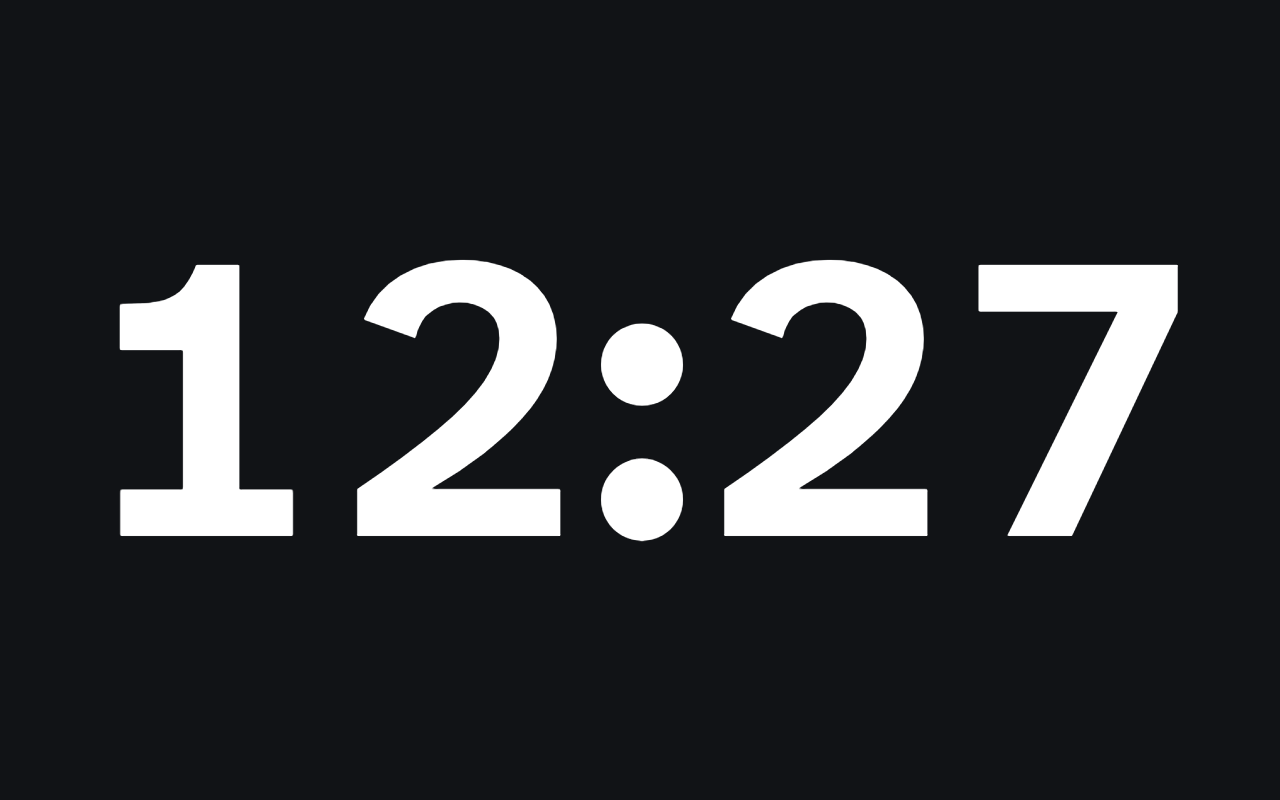
Your controls stay on your screen.
Presets, pause, add time, a stopwatch and the floating window's size live in a Control Center the audience never sees. Hide the time with H without stopping it.
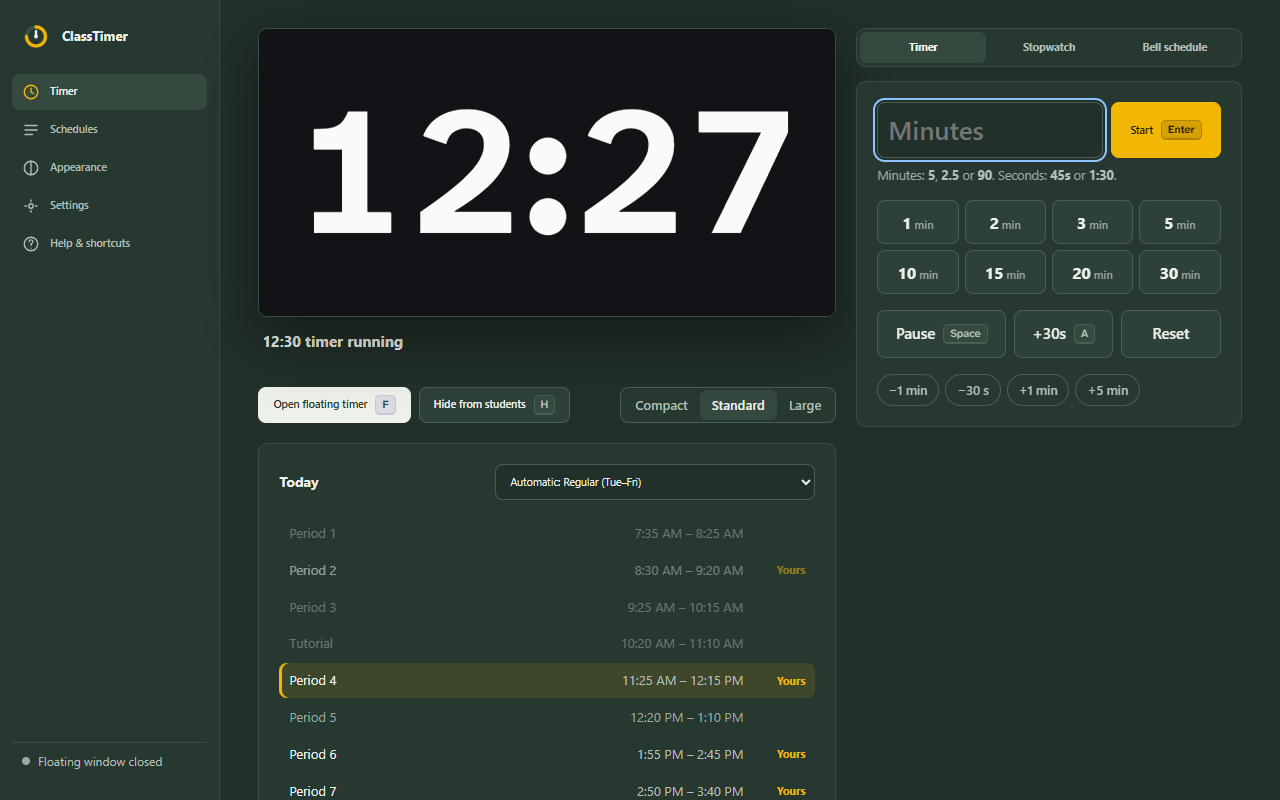
Follows a bell schedule, if you have one.
Enter your bell times once and pick the periods you teach. ClassTimer counts down to the end of each one and moves on by itself, with special days for minimum days, assemblies and holidays.
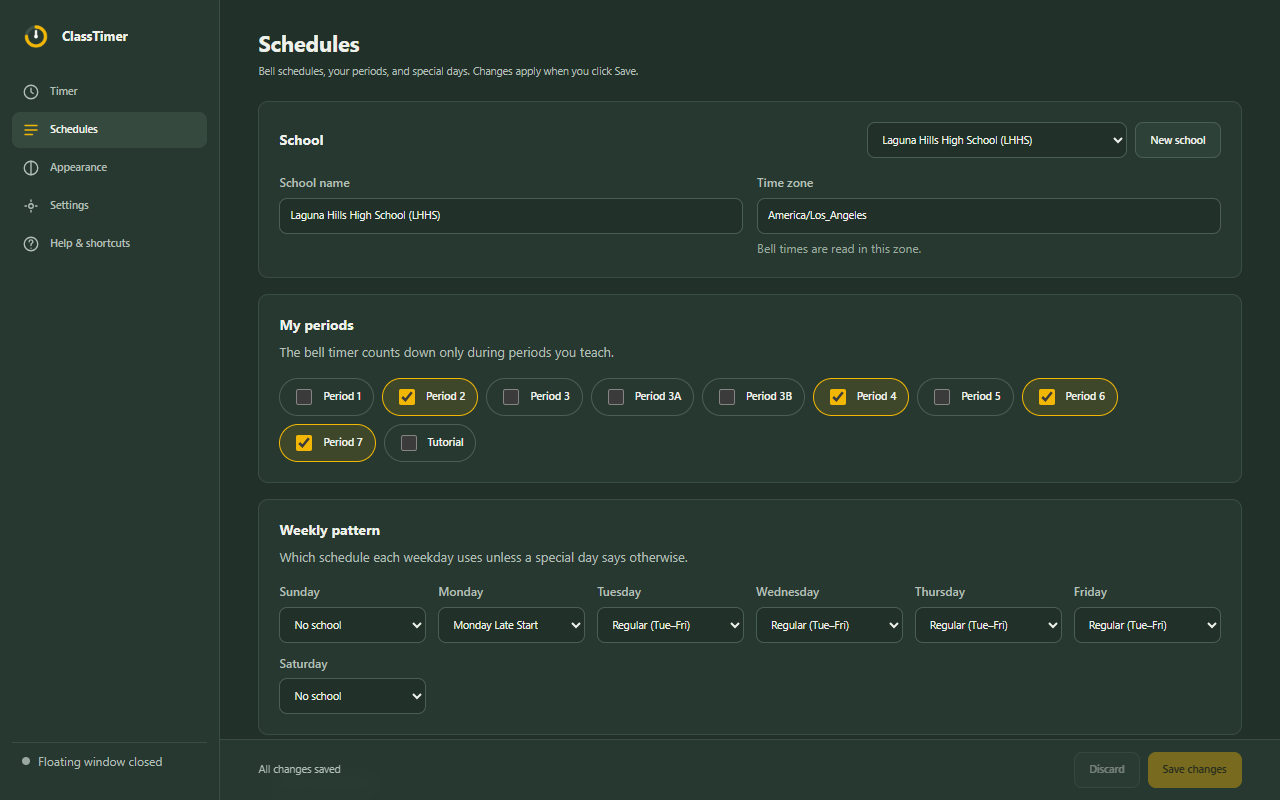
Private and offline.
No account, ads, analytics or tracking. ClassTimer works without internet, asks for a single permission, and cannot see the web pages you visit. Read the privacy policy.